







Slow internet speeds can be incredibly frustrating, especially when trying to work from home, stream content, or stay connected with others. The problem can arise for many reasons, and diagnosing the cause is the first step in resolving it. Understanding why the internet slows down can help in deciding what actions to take to improve it. This article explains practical ways to diagnose slow internet speeds and how to approach troubleshooting.
Identifying the Signs of Slow Internet
When internet speeds are slow, there are clear signs. Web pages may take longer to load, streaming video could buffer frequently, or online games may lag. A slow connection can affect everything from sending emails to making video calls. These delays are often a result of various issues, and spotting the signs early can help pinpoint where the problem lies.
A common symptom of slow internet is noticeable delays in streaming, like shows are freezing. Another sign is when video calls drop or the connection becomes pixelated. If basic tasks like sending an email or browsing simple websites become a challenge, the issue may not be the website itself, but rather the internet speed.
Check Your Internet Speed with a Speed Test
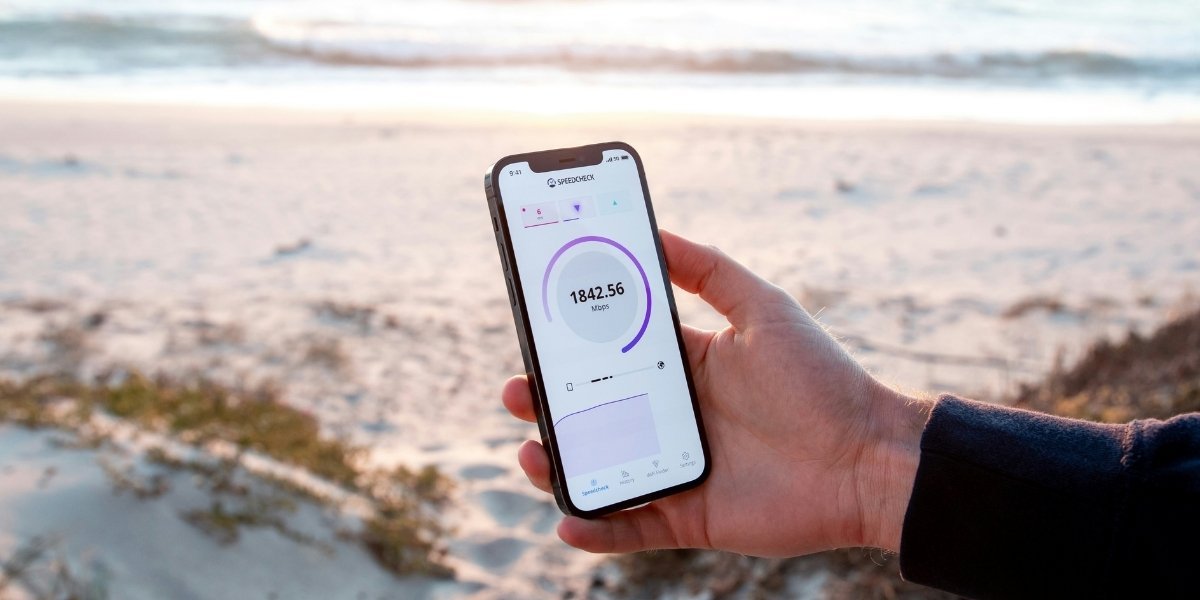
Photo Credit: Unsplash.com
The first step in diagnosing slow internet is to run a speed test. Speed tests measure the download and upload speeds of your connection, which are the two key factors in how fast the internet feels. A normal download speed depends on the type of plan and service, but generally, a speed of 25 Mbps or higher should be sufficient for most activities like browsing and streaming.
To test the speed, use an online speed test tool. Many websites provide free services that measure how fast the internet connection is. Once the test is complete, it will show the download and upload speeds, along with the ping rate, which indicates the response time of the internet connection. If the speeds are significantly lower than what is expected or promised by the service provider, it’s time to troubleshoot further.
Check the Connection and Devices
Slow internet can sometimes be a result of issues with the physical connection or devices connected to the network. Wireless connections, for example, can be slower than wired ones. If using Wi-Fi, the distance from the router can affect speed. Large homes with many walls, floors, or interference from other devices can lead to weak signal strength, especially if the router is placed far from the area needing a connection.
Another factor to consider is how many devices are connected to the network. Each device connected to the Wi-Fi, whether actively in use or not, can consume bandwidth, slowing down the overall internet speed. Streaming videos, gaming, or downloading large files on one device can use up much of the available bandwidth. Try disconnecting devices that aren’t being used and observe whether the speed improves.
Inspect Router and Modem Performance
The router and modem are crucial components of any home network. Over time, these devices can become outdated or experience technical issues, leading to slower internet. A router or modem that is too old may not support higher speeds or the latest technology. In these cases, upgrading to a more powerful device could improve speed.
Ensure that the router is properly configured. A router placed in a central location of the house can help ensure a stable connection throughout. If the router is near walls or surrounded by metal objects, this could interfere with the signal and slow down the internet. Restarting the router can also help clear temporary issues that may be affecting speed.
If there are frequent disconnections or no internet connection at all, a faulty or improperly connected modem may be the problem. Check to make sure the cables are secure and that the device is working properly. If issues persist, consider contacting the internet service provider for assistance or even replacing the modem or router.
Investigate Network Congestion and Service Provider Issues
Sometimes, the reason for slow internet is outside of your control. Network congestion occurs when too many users are online at the same time, especially in densely populated areas. During peak hours, internet speeds may slow down as the network becomes overloaded. This can be particularly noticeable during evenings when many people are using the internet for streaming or gaming.
Another possibility is that there may be issues with the service provider’s infrastructure. This could involve maintenance, outages, or technical problems affecting the local network. In such cases, contacting the service provider can provide more insight into whether the slowdown is on their end. Providers may be able to offer solutions or provide information on when service will improve.
Consider the Type of Internet Plan and Upgrade Options
The type of internet plan subscribed to may also be a factor in slow speeds. Some plans are simply slower than others, and the advertised speeds may not always match actual performance. Internet speeds can vary depending on the type of connection, fiber-optic, cable, or DSL, all of which offer different speed ranges. Fiber-optic is generally the fastest, while DSL may be slower in comparison.
If the current plan is insufficient for the needs, it may be worthwhile to look into upgrading to a faster plan. This is especially true for households that have multiple users engaging in data-heavy activities such as streaming, gaming, or video conferencing. When upgrading, ask the service provider about the available plans and what speeds are achievable with each option.
Address Interference and External Factors
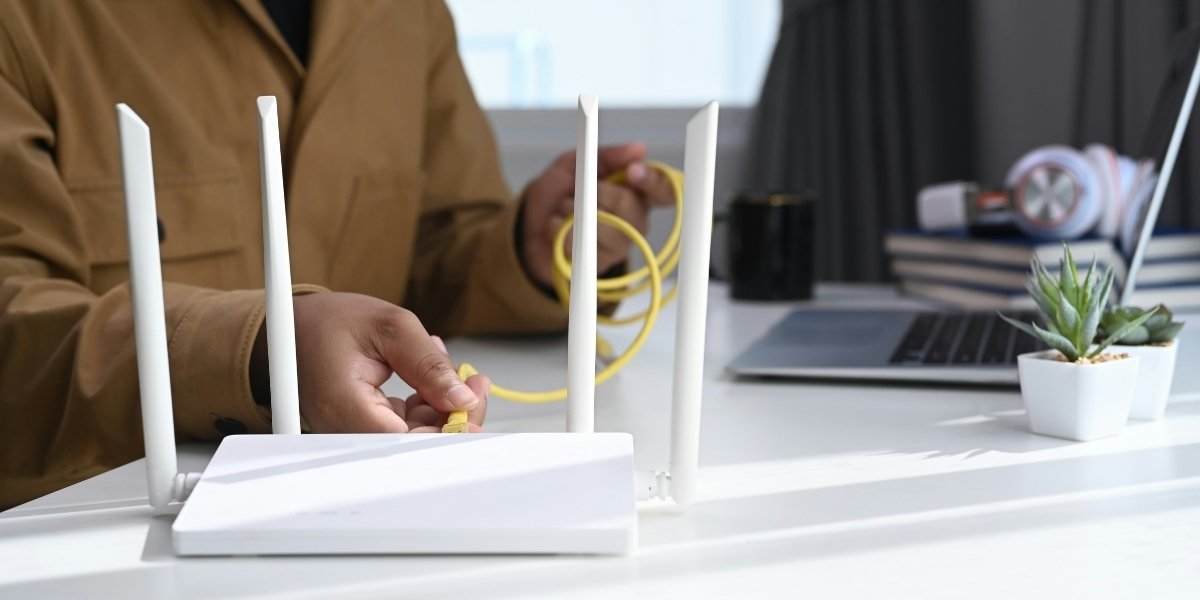
Photo Credit: Unsplash.com
External factors can also impact internet speed. Interference from other electronic devices can affect the quality of the Wi-Fi signal. Devices like microwaves, cordless phones, and baby monitors can interfere with the signal, particularly if the Wi-Fi is running on the 2.4 GHz band. Switching to the 5 GHz band can often help avoid this interference and improve speed.
In addition, large objects such as walls, floors, or furniture can block the Wi-Fi signal. Ensure the router is placed in a location that minimizes obstructions. For households with multiple floors, using a Wi-Fi extender can help boost the signal to areas that are far from the main router.
